Reorder Your Essentials with AI: Check the Old Basket Before Buying Again
Use a previous shopping list as a starting point, then ask your assistant to recheck quantities, exact variants, stock and current prices at Tanatasa.
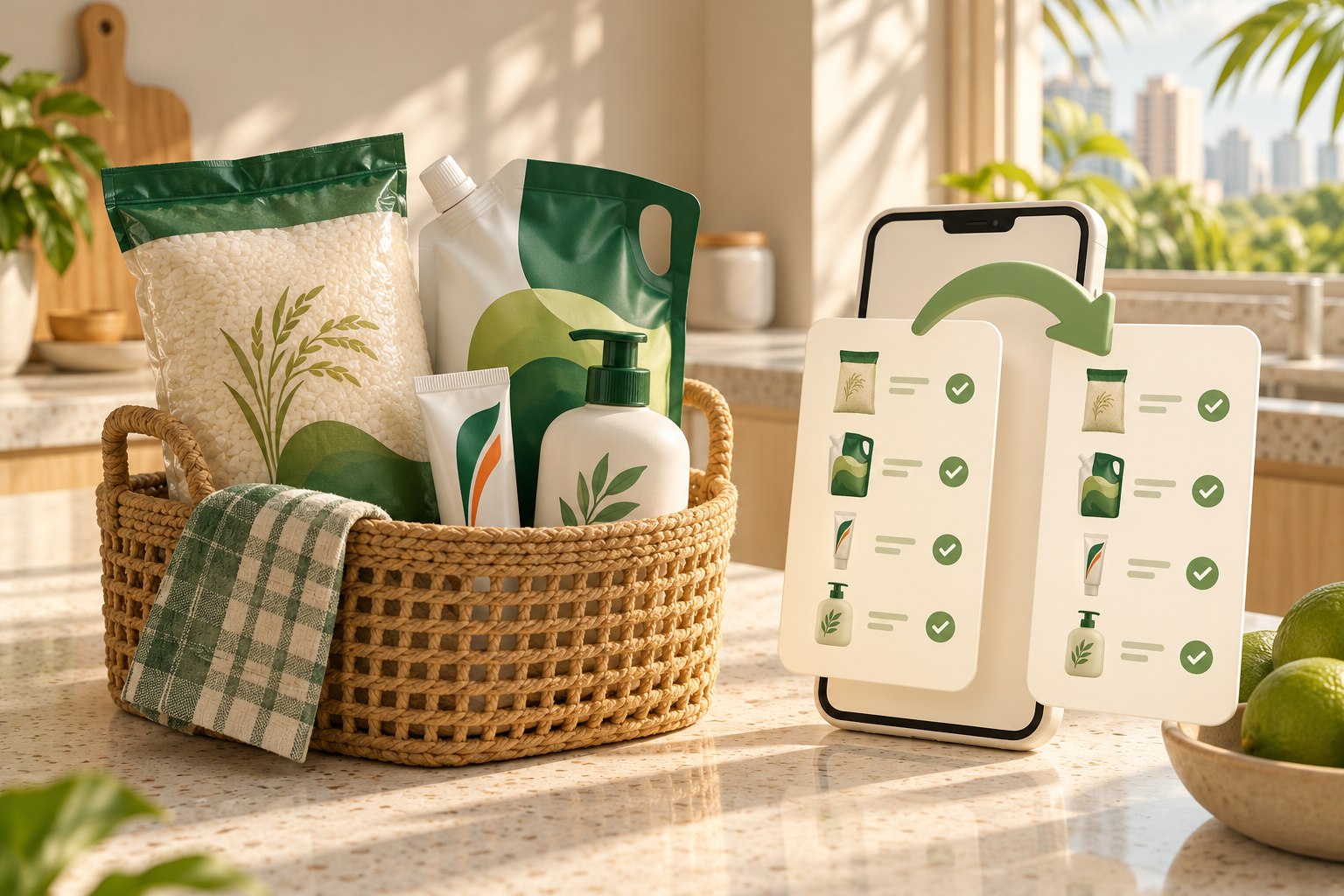
A previous order is a useful shopping list. It tells you which toothpaste you bought, the rice size that fitted your cupboard and the detergent refill you meant to get again.
Ask Muse to turn that list into a fresh Tanatasa basket for Singapore delivery. Give it the exact product names, variants and quantities, then ask it to check current prices and stock before preparing the shared cart. Shopping with Muse at Tanatasa has been tested. You can give the same brief to Instinct, Dots, Claude Duet, Grok Bot, ChatGPT, Claude or Perplexity, using the shopping tools available in your session. The shopping guides explain the route for each.
Start with the items, not the whole receipt
Copy the product names, variants, sizes and quantities you want to consider again. Product links are helpful. Remove anything you still have, and adjust the quantities for your current needs.
For a comparison task, the assistant does not need your address, phone number, payment details or private order links. A simple list keeps the request focused.
If you share only a vague name, ask the assistant to clarify it. Two products from the same brand may have different formulas or uses.
Ask for exact matches first
Tell the assistant to look for the same item and variant before proposing replacements. “Same brand” alone is not an exact match.
A larger pack of the same formula may be acceptable, but it changes the upfront spend and storage needed. Ask before making that change. If the old item has no current match, the assistant should show the gap.
Use this reorder prompt
“Prepare a fresh shopping list at https://tanatasa.sg for Singapore delivery, based on these items: [names, product links, exact variants and quantities]. Read https://tanatasa.sg/ai-agent-docs.md first. Check current stock and SGD prices. Match the exact variants first. Flag anything unavailable or changed, and ask before substitutions or larger packs. Keep the delivered total within S$[amount]. Show the updated list, current delivery estimate and total. Prepare a shared cart only if supported, and get my approval before purchasing.”
This brief requests a new, reviewed order. It does not authorise an ongoing subscription or automatic repeat purchases.
Ask for a short change report
Have the assistant separate unchanged matches from decisions you need to make. Useful changes include a different pack count, a missing size, a higher current price or an item that is unavailable.
If you know your old item prices, you can include them for comparison. Ask it to compare the same quantity. A bigger total may reflect a bigger pack rather than a price increase.
For similar sizes, our unit-price guide explains how to compare the calculation.
Check what is already in your basket
Before approving a shared cart, look for items left from an earlier shopping session. Ask for the complete proposed contents and quantities. A fresh list should not accidentally double something you have already added.
Tanatasa's shopping interfaces support guest carts and checkout preparation. Whether your assistant can use them depends on its available tools. If it cannot connect, ask for product links and add the chosen items yourself. Read the current compatibility notes for details.
Review the new order on its own terms
An old price or delivery estimate is not a promise for the next order. Tanatasa offers free standard Singapore delivery with no minimum spend, but you should check the current delivery estimate, final quantities and delivered total before paying.
Keep the cleaned-up list for another time. For a broader home top-up, combine it with the weekly restock workflow and remove anything you do not need yet.